


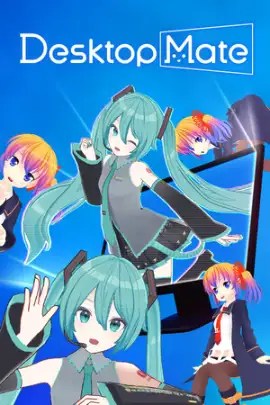
Desktop Mate (2025) ALL DLC Scene
| Category | Scene Release |
| Release Group | Scene |
| Tags | Desktop Mate |
| Posted | 04/06/2026 |
Description
Desktop Mate (PC-Windows) – Bring a little more joy to your daily workspace with this charming, interactive desktop companion app. Keep the characters you love right on your screen as they sit on top of your active windows, playfully chase your mouse cursor, and react affectionately to head pats. Designed to seamlessly blend into your daily routine, the app features a built-in alarm clock, useful productivity tools, and in-game sync capabilities. Best of all, you can continuously expand your virtual roster with a steady stream of regularly released, officially licensed character DLCs from your favorite franchises!
How to Download, Extract & Play Desktop Mate on PC
How to Download, Extract & Play Desktop Mate on PC
- Download the game and save it to your PC.
- Right-click the downloaded file and select “Extract Here” or “Extract to folder” using WinRARor any similar tool.
- Wait for the extraction process to complete.
- Once done, open the extracted folder.
- Run
DesktopMate.exeto start the game.
Repack Features
- based On my own Steam Files + Goldberg
Media


Download
Reply to this thread to reveal download links