

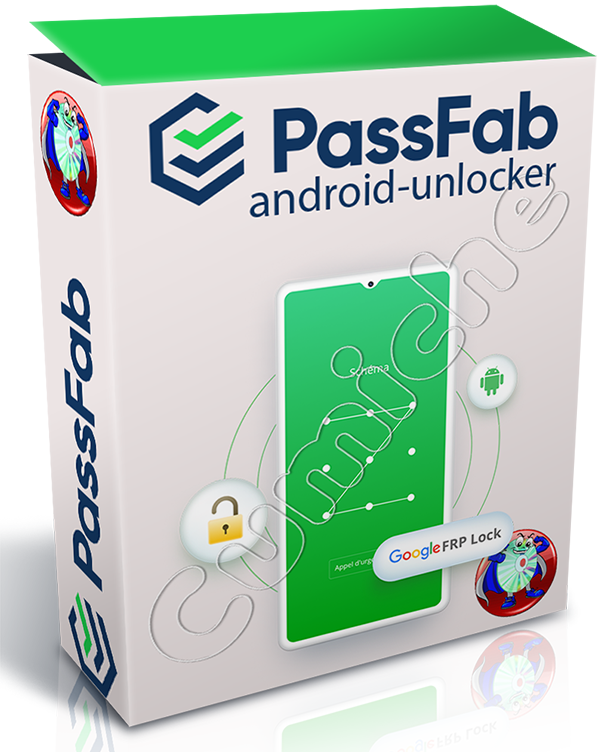

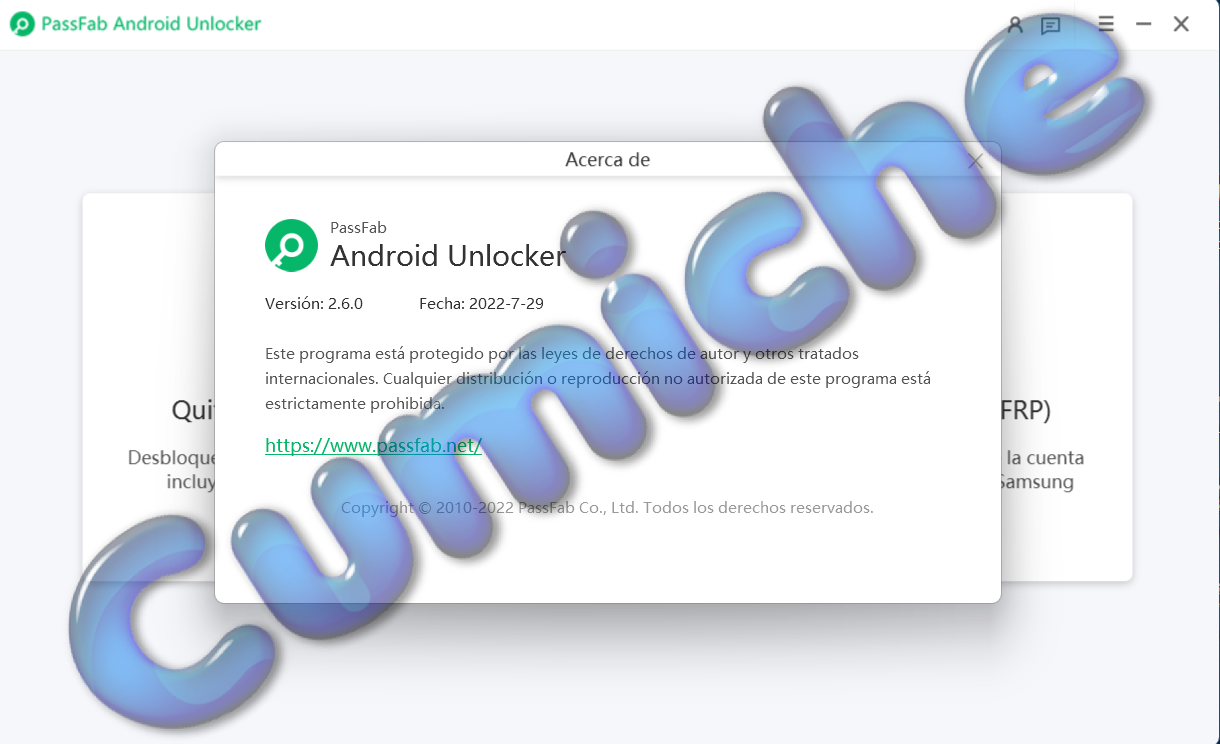

Android Unlocker: Unlock your Android lock screen and Samsung FRP lock in minutes. Whether your Android phone is locked because you forgot your PIN, pattern, or other password, PassFab Android Unlocker can help you solve this problem easily.
Unlock your Android lock screen and Samsung FRP lock in minutes
: Unlock Android pattern, PIN, and fingerprint passwords
. Remove Samsung FRP lock without a password
. Works on 99% of Android phones, including the Samsung S10+.
Remove FRP lock on Samsung devices.
Stuck on the Google account verification step and unsure how to proceed? PassFab Android Unlocker lets you remove the Google FRP lock with just one click.
Remove all restrictions to enjoy all features
. Bypass your Samsung Google account password.
Compatible with 99% of Samsung devices, including the Samsung S10+ and Note 10.
Unlock Android phones safely
. Don't worry, it won't harm your Android device; PassFab Android Unlocker will automatically detect and match your system. At the same time, it protects your device by removing the Android password.
System Requirements:
Check the PassFab Android Unlock technical specifications and compatible devices to see if you can use it to unlock your Android screen and successfully remove FRP from Samsung, Xiaomi, Redmi, Vivo, OPPO, Realme, OnePlus, and Huawei.
Windows System:
Windows 11/10/8.1/8/7/Vista/XP (32-bit/64-bit)
CPU: 1 GHz (32-bit or 64-bit) and higher
RAM: 256 MB (1028 MB recommended) Hard
Drive: 200 MB of free space and more
Supported Android Phones and Tablets
: Remove Google FRP lock from
Samsung, Xiaomi, Redmi, Oppo, Realme, OnePlus, Huawei, Vivo, Motorola, HTC, Sony, LG, Motorola, Huawei, ZTE, Xiaomi, OPPO, Sharp, Vivo, Lenovo, Meizu, OnePlus, TCL, Gionee, Meitu, Nubia, Smartisan, etc. Supported Android Versions
Samsung FRP Bypass: Samsung devices with Android 16/15/14/13/12/11/10/9/8/7/6
Motorola FRP Bypass: Motorola devices with Android 11/12
Vivo FRP Bypass: Vivo devices with Android 10/11/12
Huawei FRP Bypass: Huawei devices with Android 10
Xiaomi/Redmi FRP Bypass: Xiaomi and Redmi devices with Android 6-13 and MIUI 10-14
OnePlus FRP Bypass: OnePlus devices with Android 16/15/14/13/12/11/10/9/8/7/6
Remove Screen Lock: Android 4-16
Unlock your Android lock screen and Samsung FRP lock in minutes
: Unlock Android pattern, PIN, and fingerprint passwords
. Remove Samsung FRP lock without a password
. Works on 99% of Android phones, including the Samsung S10+.
Remove FRP lock on Samsung devices.
Stuck on the Google account verification step and unsure how to proceed? PassFab Android Unlocker lets you remove the Google FRP lock with just one click.
Remove all restrictions to enjoy all features
. Bypass your Samsung Google account password.
Compatible with 99% of Samsung devices, including the Samsung S10+ and Note 10.
Unlock Android phones safely
. Don't worry, it won't harm your Android device; PassFab Android Unlocker will automatically detect and match your system. At the same time, it protects your device by removing the Android password.
System Requirements:
Check the PassFab Android Unlock technical specifications and compatible devices to see if you can use it to unlock your Android screen and successfully remove FRP from Samsung, Xiaomi, Redmi, Vivo, OPPO, Realme, OnePlus, and Huawei.
Windows System:
Windows 11/10/8.1/8/7/Vista/XP (32-bit/64-bit)
CPU: 1 GHz (32-bit or 64-bit) and higher
RAM: 256 MB (1028 MB recommended) Hard
Drive: 200 MB of free space and more
Supported Android Phones and Tablets
: Remove Google FRP lock from
Samsung, Xiaomi, Redmi, Oppo, Realme, OnePlus, Huawei, Vivo, Motorola, HTC, Sony, LG, Motorola, Huawei, ZTE, Xiaomi, OPPO, Sharp, Vivo, Lenovo, Meizu, OnePlus, TCL, Gionee, Meitu, Nubia, Smartisan, etc. Supported Android Versions
Samsung FRP Bypass: Samsung devices with Android 16/15/14/13/12/11/10/9/8/7/6
Motorola FRP Bypass: Motorola devices with Android 11/12
Vivo FRP Bypass: Vivo devices with Android 10/11/12
Huawei FRP Bypass: Huawei devices with Android 10
Xiaomi/Redmi FRP Bypass: Xiaomi and Redmi devices with Android 6-13 and MIUI 10-14
OnePlus FRP Bypass: OnePlus devices with Android 16/15/14/13/12/11/10/9/8/7/6
Remove Screen Lock: Android 4-16
Program Information:
Release Year: 2026
Platform: Windows 11/10/8.1/8/7/Vista/XP (32-bit/64-bit)
Languages: Multilingual
Medicine: Activated
File Size: 165 MB
password:kMGLLN5oQzRz2@
Interchangeable links
uploady | usersdrive | nitroflare
Download: